



Guest App
The Guest App That Elevates Every Stay
Delight guests with a fully branded mobile app that centralizes bookings, payments, check-ins, messages, and everything in between.
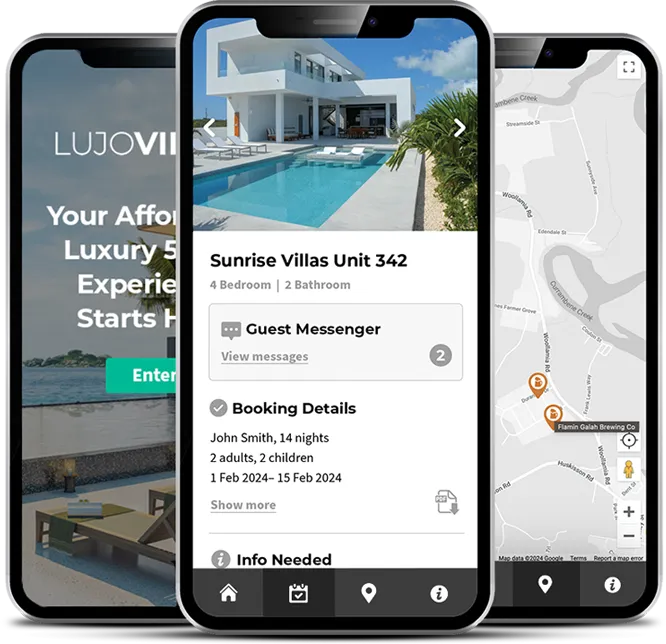


Modern guests expect more than just a booking confirmation
Today’s travelers want convenience, transparency, and personal connection. Traditional emails and printed guides fall short. That’s why our Guest App gives your guests everything they need, from check-in instructions to payments, in one sleek mobile interface that’s fully branded to your business.

Centralized Guest Portal
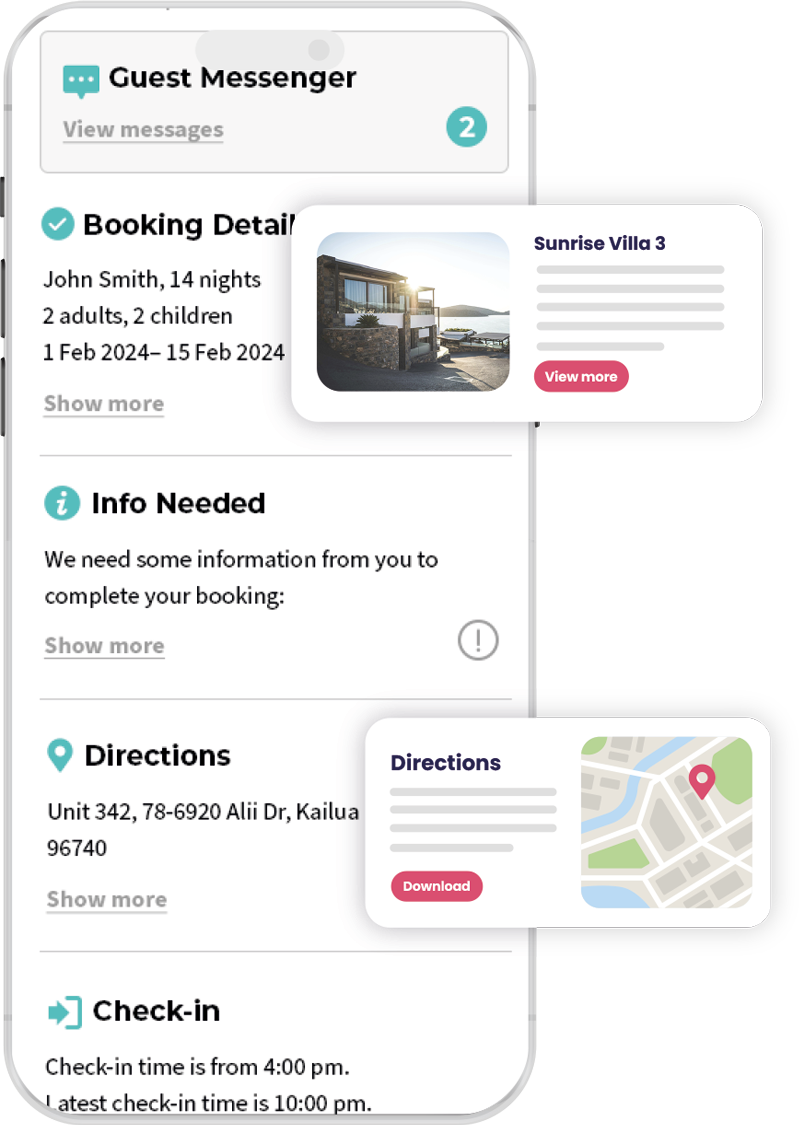
Give guests one place to view booking details, check-in info, property details, and more, right from their phone, whenever they need it.

Instant Messaging & Updates
Enable real-time communication with your guests using in-app chat or automated messaging, fully synced with your PMS.

Flexible Customization
Tailor the app’s look, homepage, and color scheme to your brand, no code needed. You control what content appears and when.
Mobile Payments & Check-ins
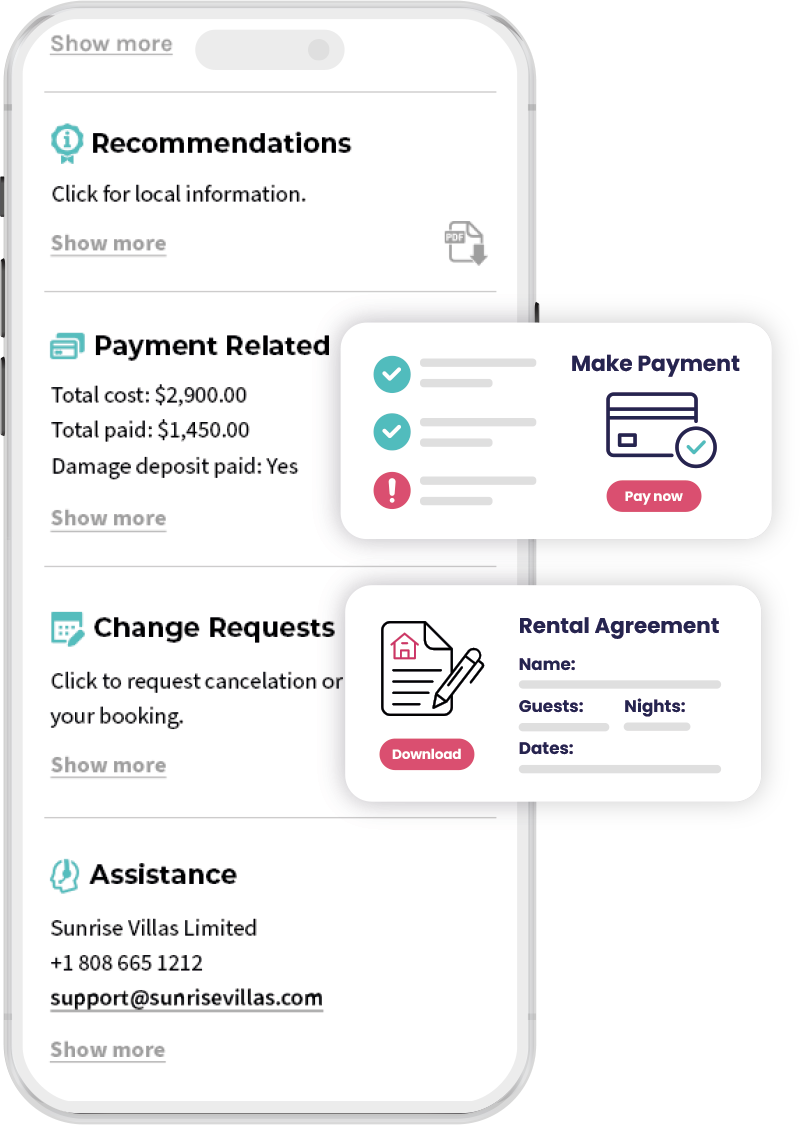
Allow guests to settle payments, complete arrival forms, or check in, all via mobile, making their stay smoother and your work easier.

Smart Tools for Better Service
From map directions and property details to recommendations and service requests, your app becomes the guest’s personal concierge.
How it works?
GuestWisely’s Guest App integrates effortlessly with your PMS and gives your guests everything they need, right from their phone.
Download & Install Configuration App
To administer GuestWisely, simply download our configuration app for IoS or Android. Primary content is pulled from your GuestWisely PMS account. The Configuration App let’s you use simple toggles to control which sections you want your guests to see. Set up for your entire portfolio can be done in minutes.
Homepage Setup & App Customization
Simply add your logo and homepage hero photo, then overlay your own strap-line and color schemes.
Guest View Configuraton
Simple one-click icons let you hide sections you don’t want to use. The padlock indicates that the relevant content is controlled in your GuestWisely account and that any editing changes are done there.
Booking Confirmation Link
When you’re ready, just add our Guest App short code in your booking confirmation templates and guests will be able to download the GuestWisely app for their booking via iOS and Android, or to access it directly via their computer.


FAQ
Your most important questions about our Guest App.
Is the app available on both iOS and Android?
Yes. Your guests can download the app from the App Store or Google Play and access it using a secure link tied to their reservation.
Can I customize the app with my own branding?
Absolutely. You can update your logo, colors, homepage design, and even choose which features to display.
How does the app sync with my calendar and bookings?
The app is fully integrated with your GuestWisely platform, so all bookings, messages, and payment info update in real time.
Do my guests need to create an account?
No. They receive a secure booking confirmation link that lets them access the app directly. No login required.
Can I collect arrival forms or payments through the app?
Yes. The Guest App supports online payments, digital forms, ID uploads, and more, making it easy to gather everything before arrival.
Ready to Deliver a 5-Star Guest Experience?
Give your guests everything they need, check-in details, payments, messages, and more, in one sleek, branded mobile app.
Launch your Guest App in minutes and elevate every stay.